Project Stargem: Twinkle
A classic match-3 game for the Game Boy Color, made to be picked up and played whenever you feel like matching some gems. If you love Bejeweled or Candy Crush, I’m sure you’ll love PROJECT STARGEM: Twinkle!
Remember the first time you played Tetris? It was so simple, and yet surprisingly hard. I got that same feeling the first time I played Bejeweled, and match-3 games have had a hold on me ever since.
How To Play
Controls:
- Use the D-Pad to navigate the cursor.
- Press A to select/lock a Gem (Press B to unselect/unlock a Gem).
- Press the D-Pad in any direction to swap the selected Gem with the one in the direction.
- Press START to open the menu:
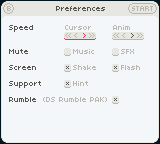
- Open Preferences
- Request Hint
- Quit Game (with Autosave)
Rules:
- A swap has to result in 3 or more Gems of the same type/color in a column or row. This is called a match.
- 4 Common Gems in a row create a Power Gem.
- 5 Common Gems in a row create a Hypercube.
- Power Gems can trigger each other (=a chain).
- Hypercubes can trigger Power Gems (=a chain).
- Power Gems destroy Hypercubes.
- Dropping Gems can result in matches (=a cascade).
- Complete the progress bar to reach the next level.
For more information and tips about how to play like a pro, please read page 5 of the booklet.
Scores:
- The higher the level, the higher the scores.
- The longer the chain, the higher the scores.
- The more cascades, the higher the scores.
For more details concerning score calculation, please have a look at the booklet on pages 10 and 11.
Beautiful Animations
Swap gems, make Special Gems and Hypercubes, and set off chains and cascades to raise your Energy Yield. There's no story to click through. You start the game and you're matching gems.
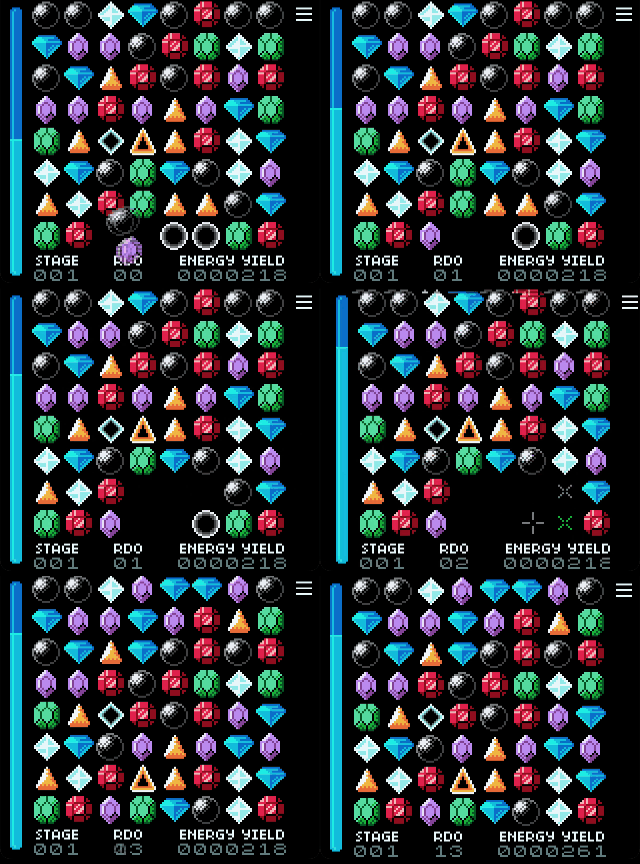
Mighty Hypercubes
Use Hypercubes beside Power Gems to sweep the board, score and force a refresh for new opportunities!
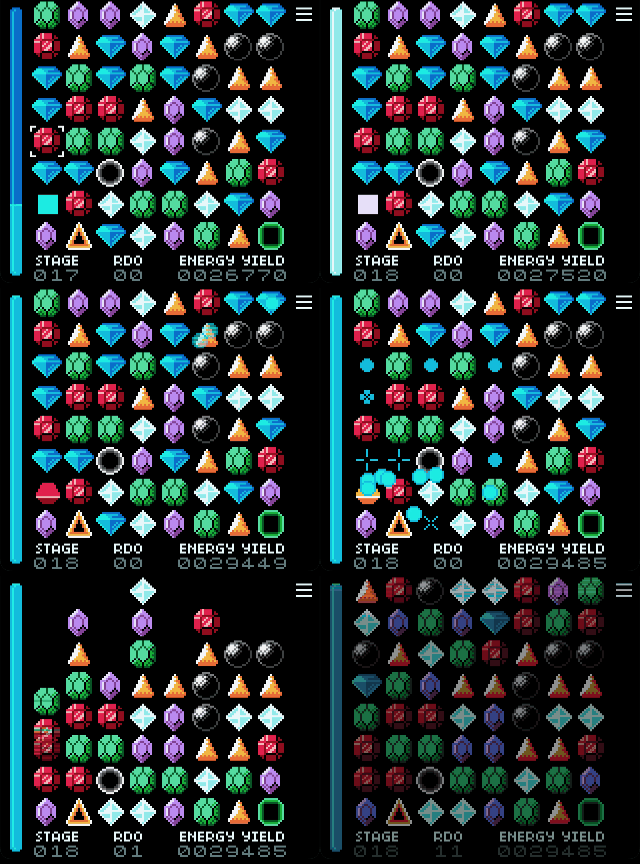
Features:
- Easy Pick-Up and Play when ever you have the time
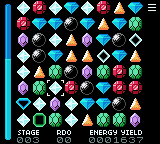
- Classic match-3 gameplay on an 8×8 board
- Create and trigger Special Gems and Hypercubes
- Make strategic use of chains and cascades to increase levels and score multipliers
- Hint and optional Autohint system come to the rescue when you don't know what would be the next best move
- Adjust game speed and effects to match your preferences
- Enjoy Rumble support on compatible hardware and emulators
Have fun matching some Gems!
Download
Click download now to get access to the following files:
Development log
- Changelog: Bugfix13 hours ago
- Changelog: Added Result Screen18 hours ago
- Development Insights: The Attractor1 day ago
- Changelog: Smaller Updates1 day ago
Comments
Log in with itch.io to leave a comment.
There seems to be a bug where if A is held down before entering the menu then it is still possible to interact with the board.
And then further it is possible to exit the menu with the palette remaining dimmed and play the game that way.
I can’t always reproduce it exactly, but the sequence in the video is roughly:
In the video A -> Start -> Left/Right -> Left -> Down -> Right -> A Released -> Left -> Right A Pressed + Released
Oh wow, thank you so much for taking the time on creating a screencast and reproducing the bug!!!
I can reproduce it every time. It seems to depend on wether you have selected a gem before entering the menu and if a swap would theoretically be possible in the direction of the d-pad pressed.
Knowing what? In one condition is just a case (selection active or not) missing. Fast fix. Additionally any active selection is now released before entering the menu.
Great, cool that it was so easy to fix!